Ever wanted to ask a client for a password to their account? Need to get an access code but don’t want it stuck in some email log? Use this. Using Secret-Share you can send a link containing the secret you want to share. Once you’re done with a secret, it’s gone. Secrets are never written to a server, so once it’s been deleted, it is truly gone forever.
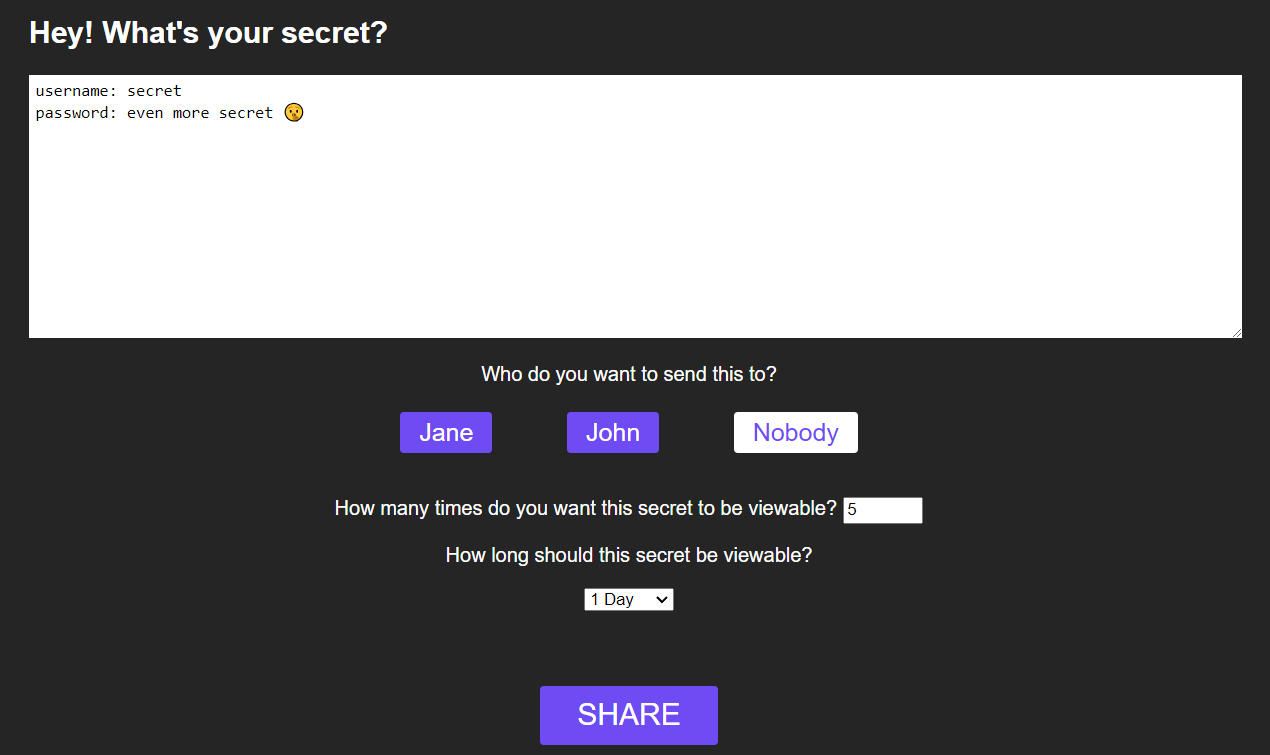
func checkAll(s *Server) { for _, element := range s.secrets { if element.EndTime.Before(time.Now()) { delete(s.secrets, element.ID) } }}Secret Share can do more than just create a link, you can also configure it to send emails directly. That way your staff can easily be sent secrets! Just type in the box, click who to send it to, then a link containing the secret will be sent to their email. You can set how many times your secret can be viewable for, and for how long. So if you only want it to be viewable for the next hour, after an hour it’s gone.
To get your own Secret Share server set up, head over to the GitHub repository and follow the README.md to get started!